Your Cube Baby, on stage or in the studio, from your phone.
Edit presets, play live, organize setlists and let AI suggest tones. All on your Android device, no account needed.
Get it free (with ads) Get QbFX Pro (no ads)What QbFX does
Live mode
Tweak amp, delay, cab/IR and reverb in real time and switch between presets A, B and C with big buttons made for the stage.
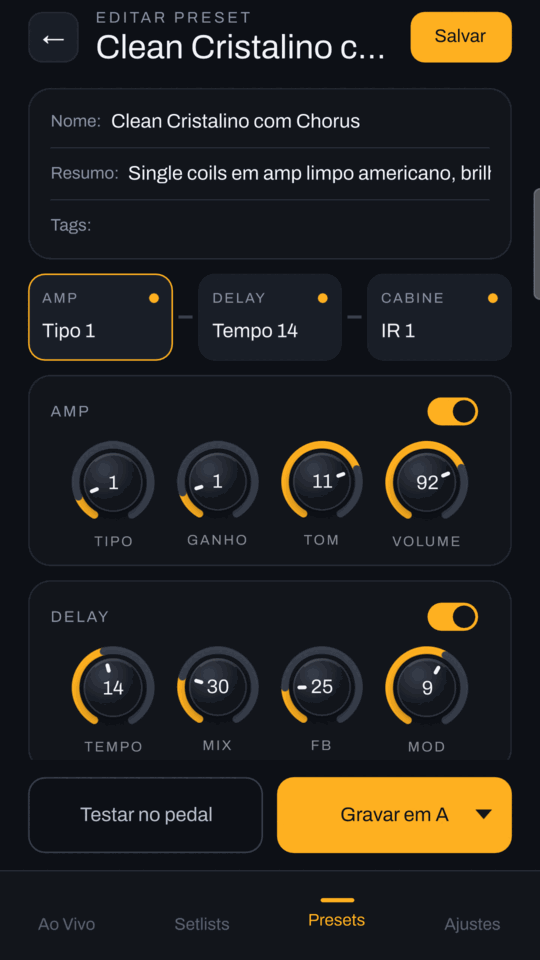
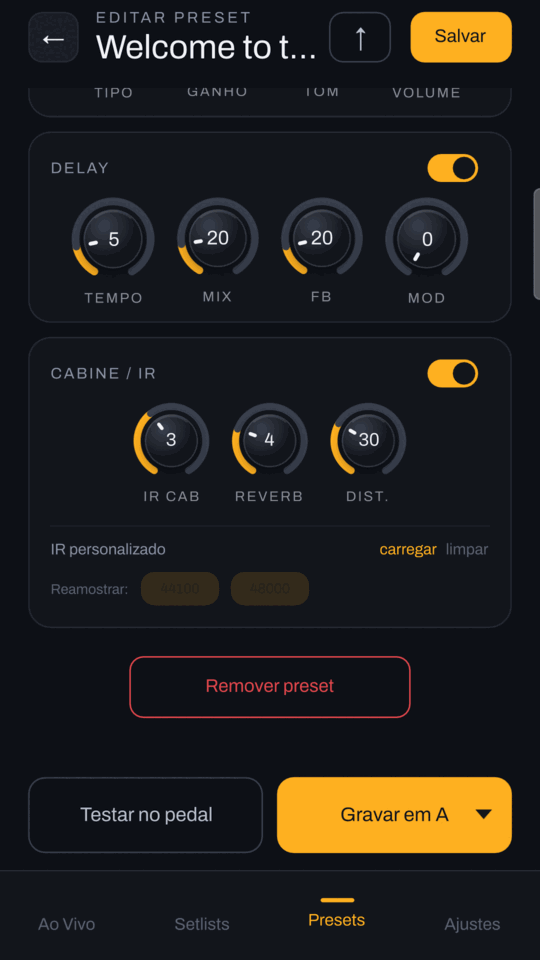
Preset editor
Build presets and write them to the pedal, import cabinet IRs (.wav) and back up the 8 IR slots.
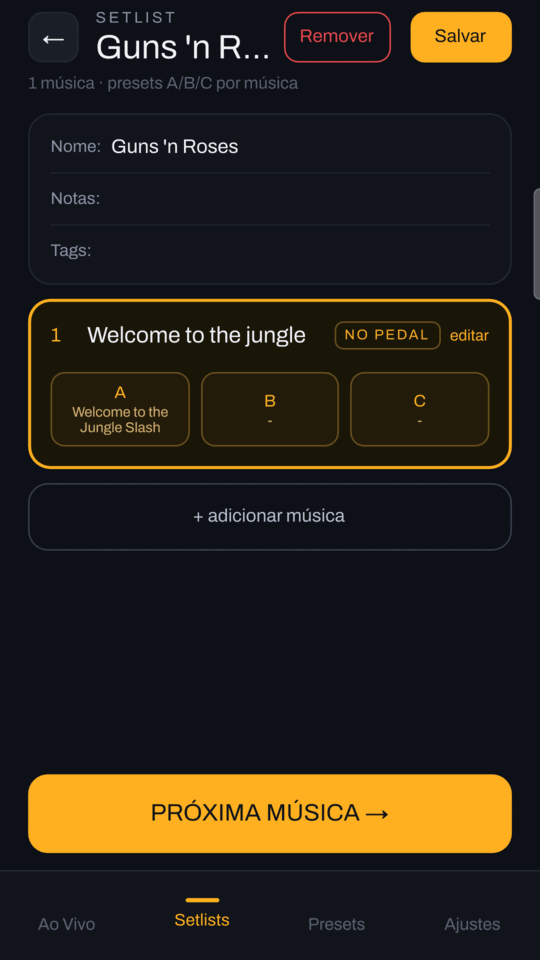
Setlists
Organize songs, each with its own A/B/C presets, and get the current song ready on the pedal.
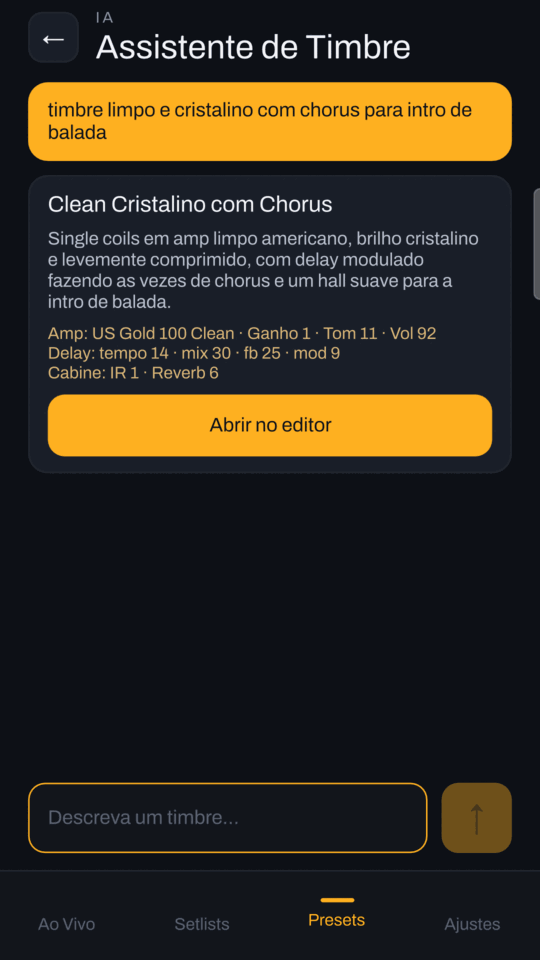
AI assistant
Describe the tone you want (for example, “Slash's solo tone”) and get a preset to open in the editor, try and save.
Connection
USB-MIDI straight to the pedal or, when the phone is busy, a Bluetooth/network bridge to control the pedal from another device.
Backup and sharing
Export and import presets and the whole library through a file, the clipboard or the system share sheet.
A look inside
Two editions
| Edition | How it works |
|---|---|
| QbFX (free) | Shows a banner and asks you to watch a short video after every 3 AI tone generations and before exporting or importing. |
| QbFX Pro (paid) | The same app, with no ads at all. |
Requirements
- Android 10 or newer.
- A Cube Baby pedal (M-Vave / Cuvave).
Notice
QbFX is an independent app made by an individual developer. It is not affiliated with, endorsed or sponsored by the maker of the Cube Baby (M-Vave / Cuvave). The communication protocol was obtained by reverse engineering. All names and trademarks belong to their respective owners.
Links
- QbFX on Google Play (free, with ads)
- QbFX Pro on Google Play (paid, no ads)
- Privacy policy
- Questions, problems or privacy requests: open an issue on GitHub.